
Introduction
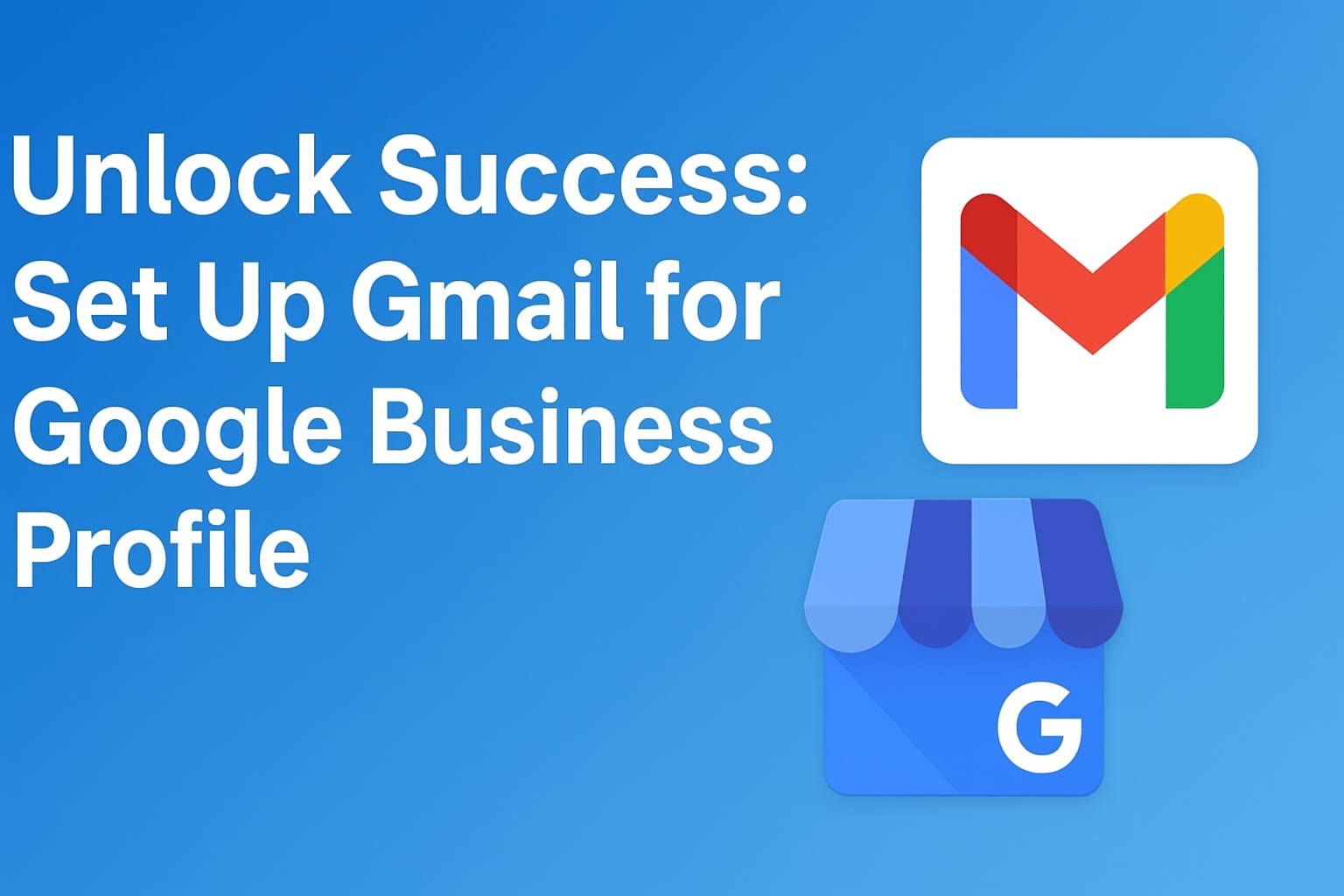
If you want to unlock success with your Google Business Profile, the first and most important step is to set up a Gmail account. Many freelancers and marketers skip this stage, but it’s the foundation of every verified and professional business setup. In this guide, we’ll walk you through how to create a Gmail for your clients and why it matters.
Step 1: Why Gmail Setup Matters for Google Business Profile
Your Google Business Profile (GBP) connects directly with Gmail. Without it, you can’t manage business listings, reply to reviews, or access insights.
A Gmail account ensures that each client’s business is properly linked, secure, and easy to manage.
✅ Tip: Always create a separate Gmail for each client instead of using your personal email. It keeps their business data safe and organized.
Step 2: Creating a Client Gmail Account
- Go to Gmail.com
- Click “Create account” → “For work or business”
- Use your client’s business name (for example: abccompany@gmail.com)
- Add a secure password and recovery options
Once the Gmail account is ready, note down login credentials for client record keeping.
Step 3: Linking Gmail with Google Business Profile
Now log in with your newly created Gmail account and visit Google Business Profile.
Click “Add your business to Google” and follow the on-screen steps to:
- Enter business name and category
- Add location, contact number, and website
- Verify ownership via Gmail code
Within a few hours, your client’s business will start appearing on Google Maps and Search results.
Step 4: Manage and Grow the Profile
Once verified, use the Google Business dashboard to upload photos, respond to customer reviews, and post updates.
Regular engagement builds trust and drives visibility — turning local searches into paying clients.
Why This Step Is the Key to Success
Setting up Gmail for each Google Business Profile doesn’t just organize client data — it also unlocks growth opportunities.
With the right Gmail setup, you can manage multiple businesses, run ads, track analytics, and even expand your freelancing portfolio.
🎥 Watch the Short
Subscribe my YouTube channel to receive alerts about live class
🎥 Watch the Full Video Here
Find Out More
Find out more blogs about freelancing tips here
Join our WhatsApp Channel for exclusive updates, tips, and free lectures on freelancing.
Hashtags / Tags
googlebusinessprofile #startearningonline #growbusiness #localseo #googlemaps #digitalmarketing #onlineearning #businessgrowth #freelancetips #profileoptimization